
GAMING
How to Refund Minecraft on PC: What Each Store Allows
Refund Minecraft on PC when Microsoft billed you: the usual window is 14 days, play time can block it, and the game leaves your account once the refund is approved.

You bought Minecraft on a PC and the charge is still on the card. To refund Minecraft on PC, start with the name on the receipt, because Minecraft.net, the Microsoft Store, Xbox, a shop code, and Game Pass each use a different door.
This page sorts those receipts, then walks the Microsoft request in order. It also names the checks that decide a yes or a no: how recent the buy is, how long you have played, and whether a refund button shows up at all.
Which Receipt Covers Your Minecraft Purchase?
Once the statement names a seller, the refund door is already chosen. A copy you paid for on Minecraft.net, in the Microsoft Store, or on Xbox is the purchase Microsoft can review. There is no separate Mojang desk that pays you back for the game. The rules sit on Mojang’s page on Minecraft refunds, which sends every buyer to the store that took the payment and treats those three Microsoft doors as one group.
| Purchase | Where you ask | What decides it |
|---|---|---|
| Minecraft.net, Microsoft Store, or Xbox | Microsoft order history, or the Xbox refund page | Generally inside 14 days of the purchase |
| Code or boxed copy from another shop | That shop’s own returns | Microsoft will not take the return |
| Only through an Xbox Game Pass subscription | Services and subscriptions | You cancel the pass; there is no game order |
| Minecraft Realms | Minecraft Support if Mojang blocked access | Not typically a full or partial refund |
| Minecoins or a Marketplace add-on | The store that billed you | Add-on content needs its own offer, or a law |
| Steam, Nintendo, PlayStation, Apple, or Google | That store | Mojang points you to that store’s policy |
Read the seller’s name on the statement before you open a form. A Microsoft line stays on this page. A line from Amazon, a key shop, or Steam belongs to that seller, and a second request to Microsoft for the same code will not move the money.
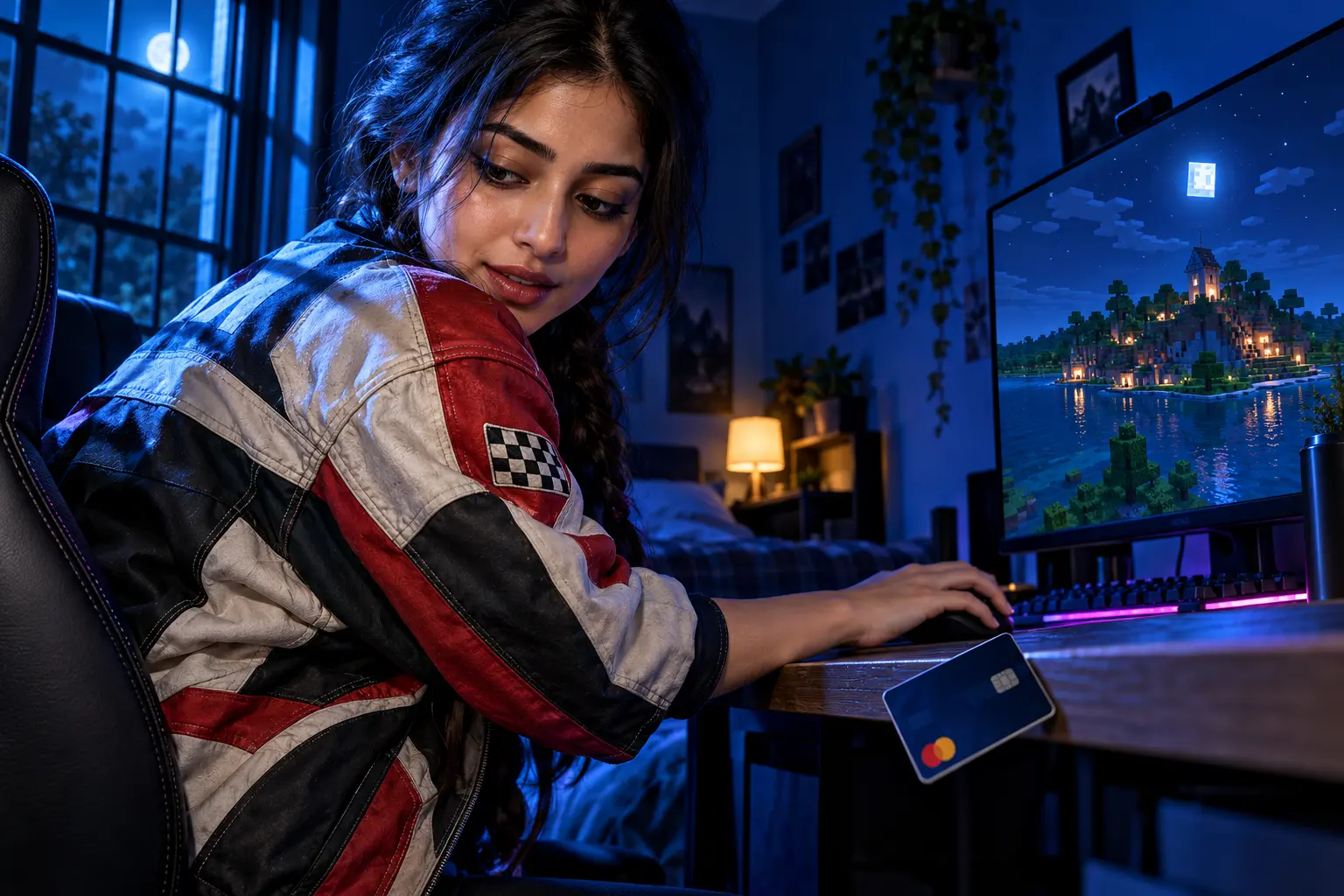
How Long Do You Have to Refund Minecraft on PC?
With a Microsoft receipt in hand, the next limit is the date on it. The limit people plan around is 14 days. Games bought on Minecraft.net or in the Microsoft or Xbox store are generally eligible for a refund within 14 days of the purchase date. That line is the usual case, not a promise the help page lets you enforce on its own. Digital goods such as games are not refundable unless the offer, or the law where you live, says you qualify.
Two further checks sit beside the calendar, and they are easy to miss because they live on other Microsoft pages rather than on the Minecraft help article.
WHAT CAN BLOCK THE REFUND
- The calendar: Ask within 14 days of the purchase date, the window on Mojang’s page and on the Xbox refund pages for Australia and in Spanish.
- Xbox play time: Those Xbox pages expect that you have not built up a significant amount of play time, and they do not print an hour count.
- The two hours: For Xbox One games and Microsoft Store apps, a refund is allowed only when you have used the game for less than two hours in total, across every device on the account.
- Privacy set to Full: Diagnostics left on Basic mean usage cannot be calculated, and the refund can be denied. The path given is Start, Settings, Privacy, then Diagnostics and feedback.
- A bundle: One item inside a bundle cannot be returned on its own.
- The paying account: The order appears only when you are signed in as the Microsoft account that was charged.
Those hour and privacy rules are the ones on Microsoft’s list of refund conditions for Xbox One games and Microsoft Store apps. A Minecraft.net order is still reviewed as a Microsoft purchase, so it does not get a separate cashier just because you clicked buy on minecraft.net.
A submitted form can still come back as a no. The Xbox refund pages say that outright when the checks above are missed.
In Australia, a change-of-mind refund also needs proof of purchase, and that Xbox page notes that buyers often face limits on how many refunds they can receive in a year. A major failure of the game, as Australian consumer law defines it, is a separate case: you choose a replacement or a refund. A fault that is not major can be fixed, replaced, or refunded at Microsoft’s election.
The UK page adds that the game must have been released more than 24 hours ago. Minecraft passed that bar long ago, so a release-day hold will not be why this request fails.
How to Request a Minecraft Refund From Microsoft
If the date and the play time still look safe, the request itself is two doors, not one. Sign in with the Microsoft account that paid before you look for the order. A different login makes the charge look missing, and neither refund button will show on a screen that belongs to another account.
Use Request a Return in Order History
The shorter path works only when the order is already marked returnable. You will see Request a Return beside that kind of item and nowhere else.
- Open Microsoft order history and sign in with the paying account.
- Find the Minecraft charge in the list.
- Choose Request a Return next to that item.
- Pick a refund option and finish the steps on the screen.
If Request a Return is missing, leave that page. A Windows game is handled on a second form, which is the one the billing help uses for PC games.
Use the Xbox Refund Page for a PC Game
You do not need a console for this form. The click path for a Windows game is on the refund steps for Microsoft Store games: sign in, select the item, give a reason, and submit. A request may sit for up to the processing time covered in the next section, and approval is still a review, not a button that pays you on the spot.
- Open the Xbox page to refund digital games and sign in with the paying account.
- Select the Minecraft order and choose Request a refund.
- Give the reason for the request, then select Next.
- Check the details and select Submit.
Microsoft Helps walks through those same clicks for a digital refund on Windows. The video uses a Microsoft Store game, including the case where you bought the wrong version.
State the reason in plain words, such as a mistaken buy, the wrong edition, or a game that will not run on the PC. A short true reason is what the form asks for. The PC product shows up as Minecraft: Java and Bedrock Edition, so the request covers both editions rather than one of them.
Leave this purchase alone while you wait. Buying Minecraft again before the first refund finishes can leave the new copy unable to install, with the original money still outstanding.
What Happens After a Minecraft Refund Is Approved?
After you submit, the wait splits into a review and a payout, and the two clocks measure different things. The billing page gives the request itself up to 72 hours to process. Updates come to the account, and the Refund status tab shows where that review stands.
The money runs on the second clock. After the refund is issued, it is generally applied to the original payment option within 3 to 5 business days. When the account already shows the refund and the card or balance does not, wait those days before you ask the bank to trace it.
The Xbox refund page puts that credit at several business days or longer, because the bank still has to post it to the original payment option. That extra lag is the bank’s posting time, not a second review.
Access ends earlier than the payout. While the refund is processing you can no longer open the game, and once processing is finished the returned product is off the account. Copy any single-player world you still want before you submit, since the launcher will not be a way back in.
Realms, Minecoins, and a Shop Code
The base-game form does not cover every Minecraft charge on the same account. Realms, Minecoins, and a code bought somewhere else each follow their own rule.
Can You Refund Minecraft Realms?
WHEN REALMS SUPPORT CAN HELP
Contact Minecraft Support when you cannot reach a Realm you are paying for and the block is on Mojang’s side. Have the Microsoft account email and the Realm name ready. A change of mind about the subscription is not the case that page describes.
Minecraft Realms is a subscription, and a full or partial refund is not the typical outcome. When something on Mojang’s side has left you unable to open the Realm, Support tries to fix that access before anyone discusses money. A Realm you simply stopped using does not fit the exception, so canceling from boredom is not the path the help page offers.
Minecoins and Marketplace Packs
Add-on content is grouped with digital goods that stay non-refundable unless the specific offer, or the law where you live, says otherwise. Minecoins you have already redeemed are the difficult case, because the unused portion of the purchase is gone.
- Unspent coins: A pack you have not redeemed has more to stand on than coins already spent inside the Marketplace.
- Accidental buys: An accidental Minecoin charge can happen when Bedrock is unfocused and a controller is still live, and that request is weaker than a base-game refund.
- Where to ask: Use the store that billed the coins, which on PC is still the Microsoft or Xbox purchase, not a separate Mojang cash desk.
Check the charge before you spend the coins. Once they are redeemed, the request has little left to point at except a fault in the content itself.
A Code, a Disc, or an Old Java Account
- Another shop: Microsoft will not take a return for a product bought from a different retailer, so the disc or the code goes back to that seller’s own window.
- Steam and consoles: A Steam, Nintendo, PlayStation, Apple, or Google purchase follows that store’s policy, and the Microsoft form will not list the order.
- Old Java login: Account migration ended on December 18, 2023, and Minecraft Support no longer takes migration questions.
An old Mojang login that was never moved is not a refund case for a recent PC buy. Single-player worlds can still sit on the hard drive, but you cannot play them until the game is owned on a Microsoft account. Capes and skins tied to the old Java account are not recoverable, and a new account needs a new username, which may or may not still be free.
Why the Minecraft Refund Button Is Missing
Even a clean receipt can stop you on a button that is not there. The missing button is the stall most people hit, including on a copy bought a few days ago that has never been launched. Order history only offers Request a Return on lines that are already marked for a return, which is why the Xbox form exists as the second door.
- Wrong account: Order history lists charges only for the login you are using right now.
- Not marked returnable: The button is withheld when the item fails the checks above.
- Your country: Online returns are not offered in every market, and the billing page tells you to contact Sales support when the online path is closed.
- Privacy on Basic: Usage cannot be calculated, and that alone is enough for a denial on the UK conditions page.
- Time played: Past 14 days, or a long stretch already on the account, and the form has nothing it will approve.
If the Xbox form hides the order too, write down the purchase date, the account email, and the last four digits of the card before you contact Sales support. A charge you do not recognize is a different task from a refund you want: the payments area of the Microsoft account has a tool that investigates unknown billing. Let the Refund status tab answer before you open a dispute with the bank on the same charge.
Frequently Asked Questions
What If Minecraft Still Opens After the Refund?
Sign out of the Minecraft Launcher and sign back in with the same Microsoft account, then look at the Refund status tab before you assume the charge was reversed. Access is supposed to end while the refund processes. If the game still starts and the tab still says the request is in review, the money has not moved yet.
Which Account Should Request the Minecraft Refund?
Use the Microsoft account that shows the Minecraft line in order history. A parent who paid while signed in will see the order on the parent’s account, even if a child plays the game. A code redeemed on a different login has to be reviewed from the login that redeemed it, because that is where the license sits.
Does Microsoft Cap How Many Game Refunds You Can Get?
Microsoft does not print one worldwide number for how many digital game refunds a person can receive. The Australia Xbox page says change-of-mind refunds often come with limits on the number and the type allowed for each buyer in a year. A second try on a purchase that was already refused does not create a new purchase date.
What If You Bought Minecraft Twice by Mistake?
Refund the order line you do not want, and leave the copy you plan to play untouched. Two charges mean two rows in order history, and only the row you submit is the one under review. Wait until that row shows a finished refund before you delete, reinstall, or buy anything else on the account.
Should You Keep Troubleshooting If Minecraft Will Not Install?
File the refund while the purchase is still inside the window, and use “the game will not run” as the reason if that is what happened. More days of troubleshooting do not pause the purchase date. If the game starts working and you want to keep it, stop only if the refund has not already been approved, because approval removes the product.
The credit, when it comes, goes back to the original payment option that bought the game. File from that same account, with the world folder copied first, and use the status tab rather than a second purchase to see where the request stands.
Disclaimer: This page is an educational guide to refunding Minecraft bought for PC, and it is informational only. It is not legal advice, financial advice, or a promise that Microsoft or another store will approve your request. Speak with the seller, or with a qualified adviser where a charge is disputed, before you rely on a deadline or a consumer-law remedy. Refund windows and payment rules reflect the Microsoft and Mojang pages reviewed for this guide and can change.

A CubeSat Will Age Whisky That Never Comes Home

A Charity Quote Cost Shia LaBeouf the FKA twigs NDA

Looker Turned a Model’s Body Into Ad Inventory

Infinity Ward Bets a Paid DMZ Will Stick This Time

Disney Sidesteps a Kimmel Renewal as Failla Cites Losses

Southwest Preboarding: Who Qualifies and What to Do

False AI Intel Nearly Put US Crews on a Chinese Ship

How Often Do You Have to Change a Monkey’s Diaper?

Tim Cook’s $4.6 Trillion Apple Still Runs on One Phone

Dunes Air Sues Nora Fatehi Over Its Luxury Jet
-
 TRAVEL3 years ago
Southwest Preboarding: Who Qualifies and What to Do
-
 NEWS2 months ago
False AI Intel Nearly Put US Crews on a Chinese Ship
-
 LIFESTYLE3 years ago
How Often Do You Have to Change a Monkey’s Diaper?
-
 BUSINESS2 months ago
Tim Cook’s $4.6 Trillion Apple Still Runs on One Phone
-
 ENTERTAINMENT2 months ago
Dunes Air Sues Nora Fatehi Over Its Luxury Jet
-

 NEWS2 months ago
OpenAI Posts a Navier-Stokes Proof Clay Has Not Touched
-
 LIFESTYLE3 years ago
How Long Does It Take for Armpit Hair to Grow?
-

 SPORTS3 years ago
Is Marching Band a Sport?